


Every site.
Every standard.
Every day.
Bring inspections, corrective action, and workforce learning together. Help every team put your standards into practice.

Shift handovers, guestroom readiness, and kitchen checklists across venues.
Your world. Connected.
One platform adapting to how each industry works. Standardize inspections, corrective workflows, and workforce learning for your physical operating reality.
“Every guest experience starts behind the scenes.”
Connect kitchen prep checklists, housekeeping turnover audits, and structured shift handovers across every hotel and dining location.
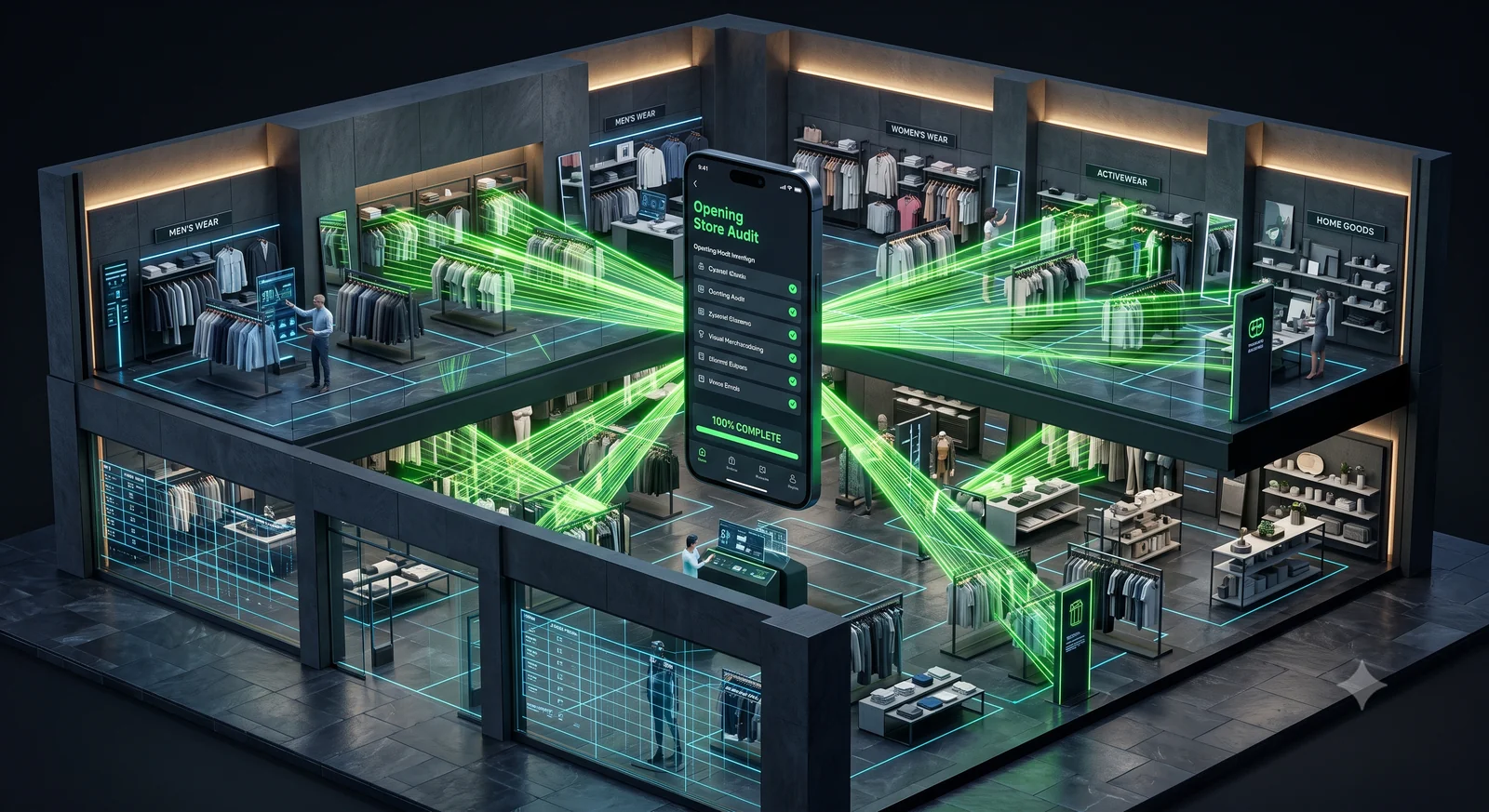
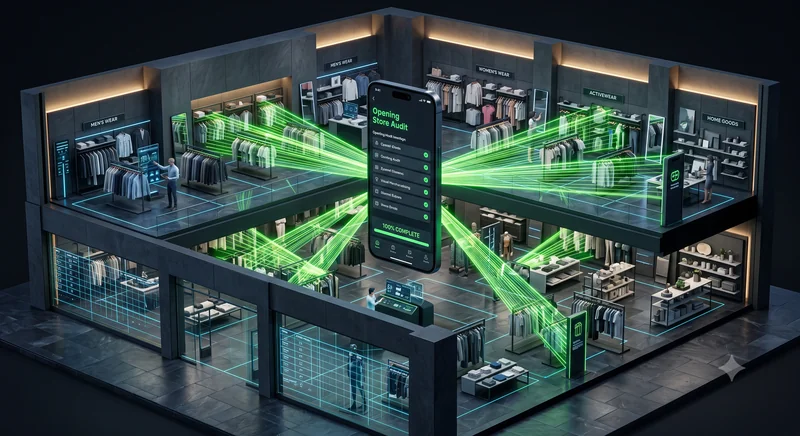
“Brand standards, from opening to close.”
Verify promotional planogram compliance, store opening safety checklists, and stockroom egress pathways across your multi-unit network.

“Readiness in every room.”
Maintain disciplined environmental hygiene with structured room turnover checklists, sanitization logs, and frontline team learning (non-clinical).
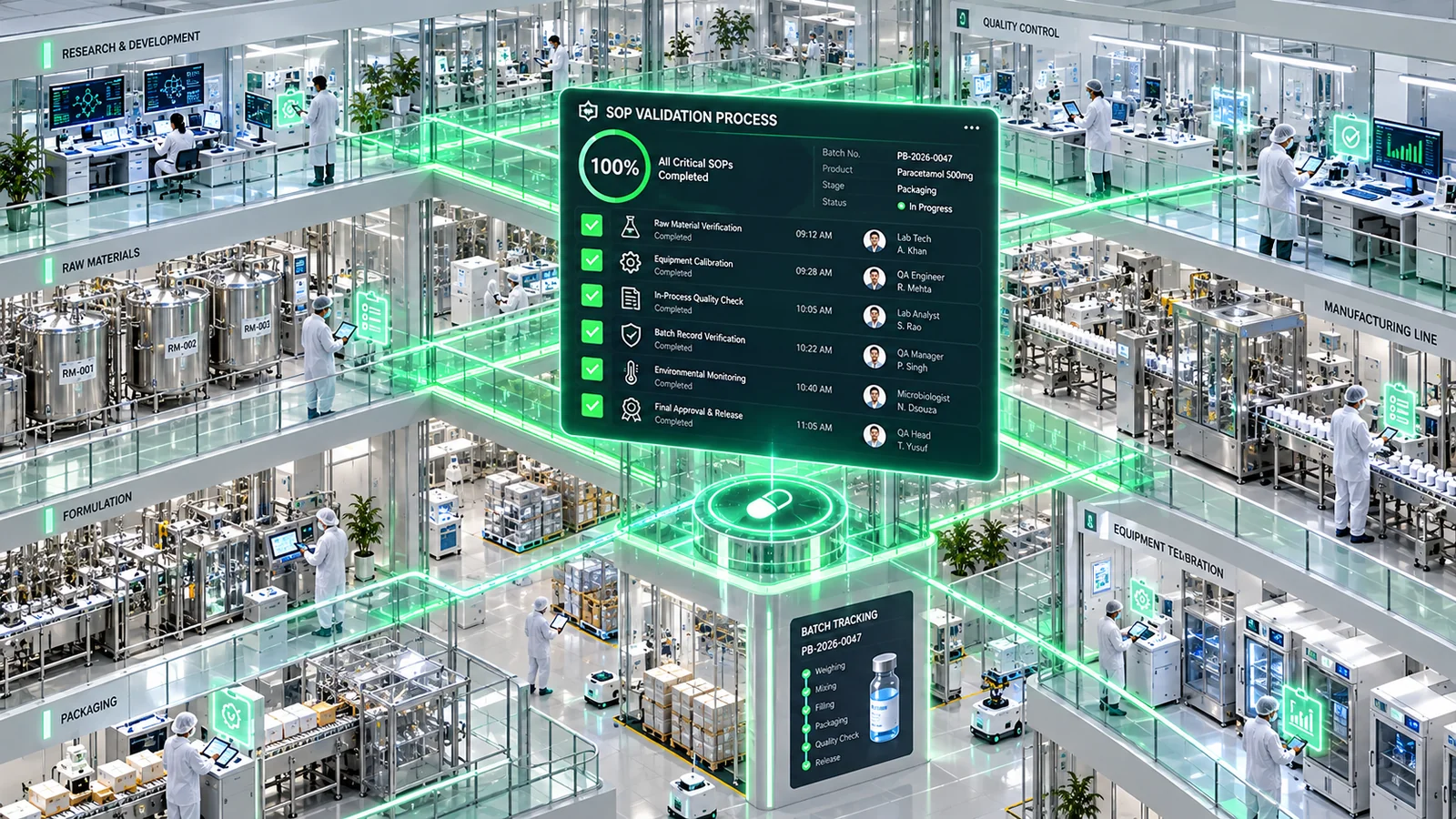
“Clear procedures. Traceable execution.”
Ensure controlled cleanroom entry routines, equipment cleaning records, and procedure revision acknowledgments are verifiably documented.

“Keep critical work in clear view.”
Standardize pre-shift machine inspections, rapid mobile hazard triage, and tooling verification across industrial plants and medical-device facilities.
The gap between a standard and a habit? Close it.
A standard written in an operations manual changes nothing until daily inspections, corrective reviews, and workforce training move in one continuous loop.
Operations and Learning. Built to move together.
When field inspections surface repeat operational issues, teams should not have to manually coordinate separate tools. Saiqa uses operational findings to inform relevant workforce training.
Operations
Standardize checklists, collect photo evidence, manage reviews and corrections, and assign follow-up responsibilities across every unit.
Workforce Learning
Deliver role-based onboarding paths, procedure refreshers, and targeted learning content informed by recurring field inspection findings.
When an inspection item is flagged during shift review, review the supervisor comment, inspect the physical station, attach updated photo evidence, and mark the item ready for follow-up review.
Less chasing. More knowing.
Support operational teams with practical AI: generate draft forms from business requirements, auto-configure routine schedules, triage submissions for review, and explore trends with plain-language questions.
Form Generation
Draft comprehensive inspection checklists and question banks from your written policies and requirements.
Submission Triage
Identify submissions with missing photos, unresolved questions, or items needing supervisor attention.
Anomaly Detection
Surface unusual submission times, repeated uniform answers, or unexpected variance across locations.
Auto-Configuration
Suggest inspection frequencies, review chains, and unit tags based on your location profiles.
Conversational Analytics
Ask natural questions to understand operational trends, recurring review items, and team completion.
Trust through actual product design.
Real operational trust comes from sound design: scoped user permissions, versioned checklists, complete revision histories, and verified review signoffs.
Scoped Permissions
Set granular unit, area, and role boundaries. Floor teams access only their assigned facility routines, while multi-unit directors oversee aggregate trends without data noise.
Form Versioning
Every checklist update is versioned. Historical submissions remain tied to the exact template active when the inspection occurred, preserving clear compliance records.
Evidence & Revision History
Submitted photo attachments, reviewer notes, and answer updates maintain a transparent history of who recorded what and when.
Configurable Review Approvals
Establish clear review chains for flagged items. Require supervisor verification before corrective tasks can be marked complete and closed.
Submission
Frontline associate completes checklist and attaches required photo evidence.
Review
Supervisor reviews submission notes and flags items requiring follow-up action.
Correction
Assigned lead addresses the finding and documents the updated status.
Resolution
Designated reviewer verifies completion and formally closes the record.
Clear answers for operational leaders.
Common questions about platform capabilities, configuring workflows, AI assistance, and rollout.
Make your standards
second nature.
Connect your field inspections, corrective action workflows, and workforce learning into one unified daily habit.